Encrypt Anywhere With One Click
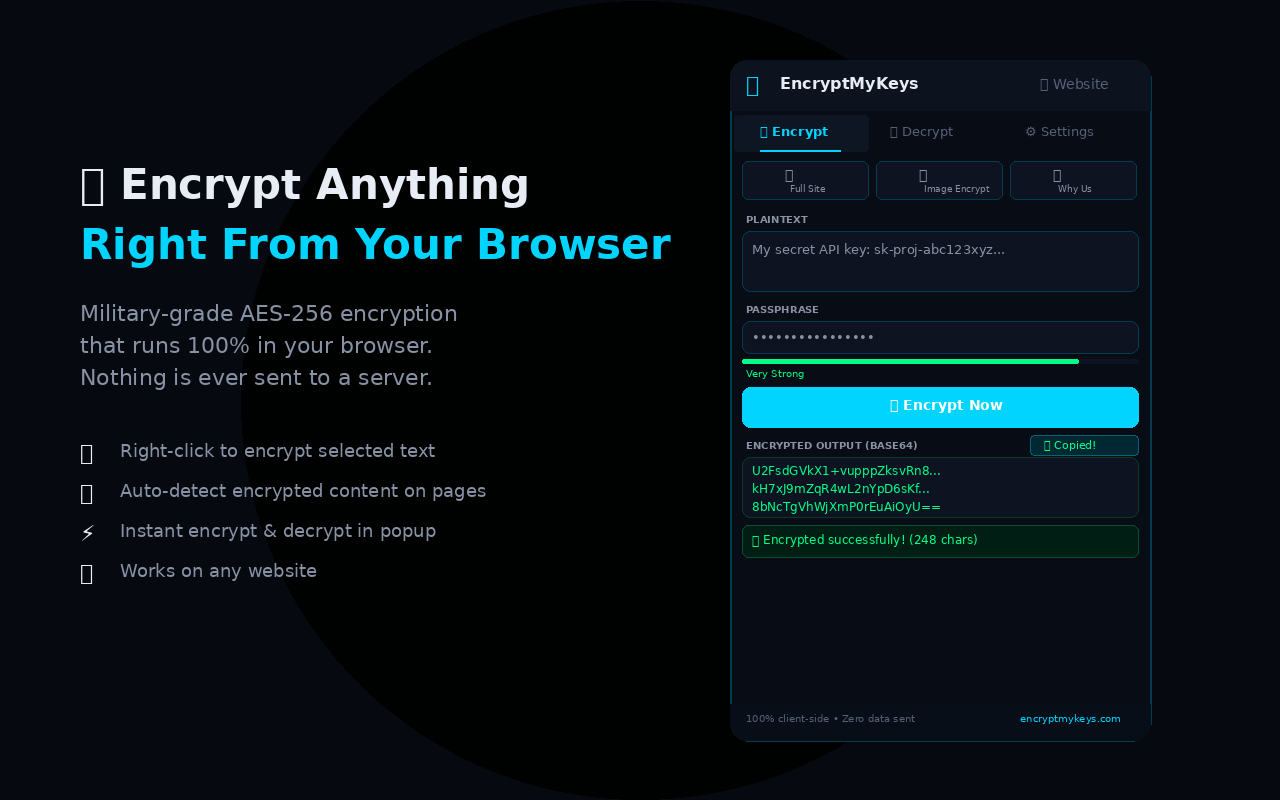
Get the EncryptMyKeys Chrome extension — encrypt and decrypt text on any website without leaving the page.

EncryptMyKeys — AES-256 Encryption
Military-grade encryption right in your browser toolbar. Free, fast, and secure.
Add to Chrome — FreeQuick Encrypt & Decrypt
Click the extension icon and instantly encrypt or decrypt any text with AES-256 military-grade encryption. No need to visit the website.
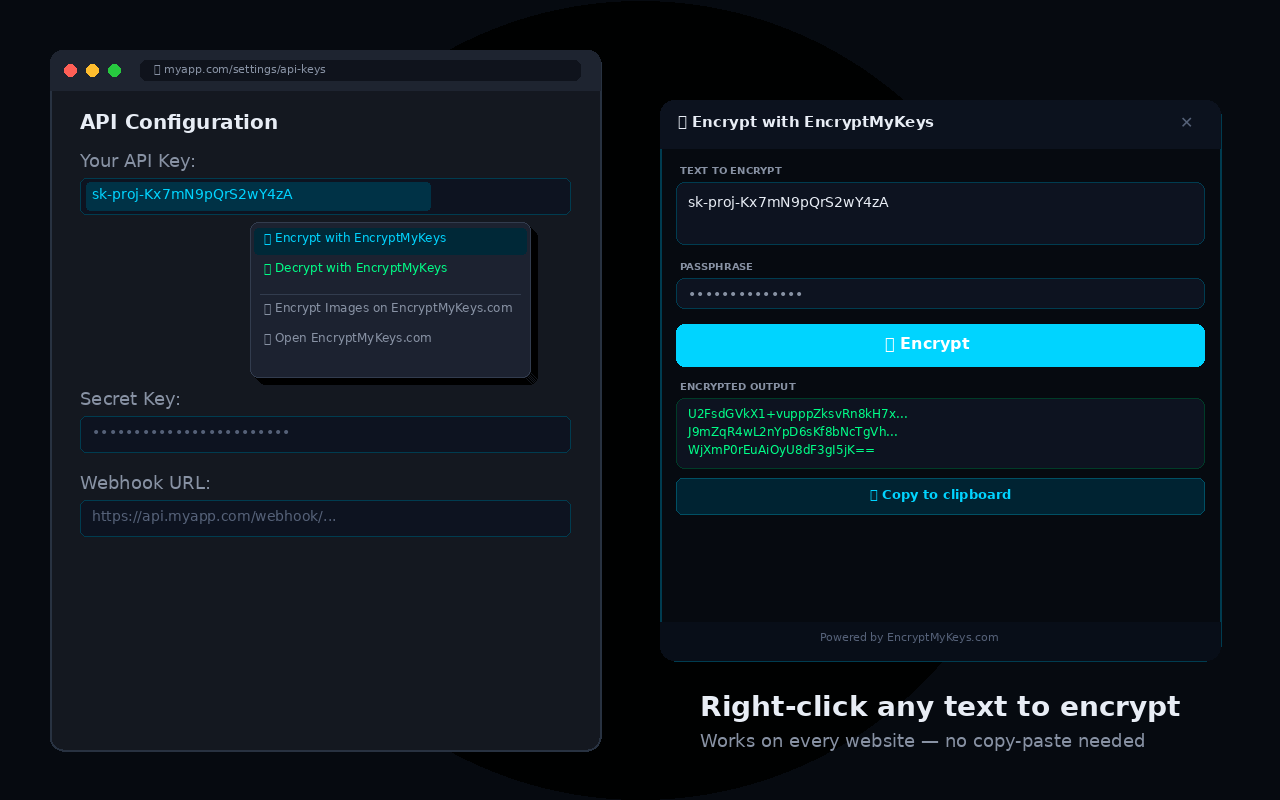
Right-Click to Encrypt
Select any text on any website, right-click and choose "Encrypt with EncryptMyKeys". An overlay dialog opens directly on the page.
Auto-Detect Encrypted Text
The extension can scan any page for encrypted content and highlight it. One click to decrypt — works on emails, chats, forums, and more.
100% Client-Side
Same zero-knowledge security as our website. Your data never leaves your browser. No servers, no tracking, no accounts required.
See It In Action
How to Install
Click "Add to Chrome" above to open the Chrome Web Store
Click "Add to Chrome" in the Chrome Web Store and confirm
The lock icon appears in your toolbar — click it to encrypt or right-click any text!
Ready to Encrypt Everywhere?
Join thousands of users who protect their data with EncryptMyKeys.
Add to Chrome — Free